
My iMac stands to the left of my MacBook, but the pointer only reaches it when I push it off the right edge. I arranged it once and it keeps coming back like this. How do I put it on the correct side?
The pointer reaches my iMac from the wrong side of my MacBook
Answer from Second Display Support ·
The pointer crosses at the edge where the iMac’s display sits in your display arrangement, and right now that is the right side of your MacBook.
In the Second Display menu, click Arrange Displays… and System Settings opens at Displays. Drag the iMac’s display to the left of your MacBook’s, where it stands on your desk, and let go.
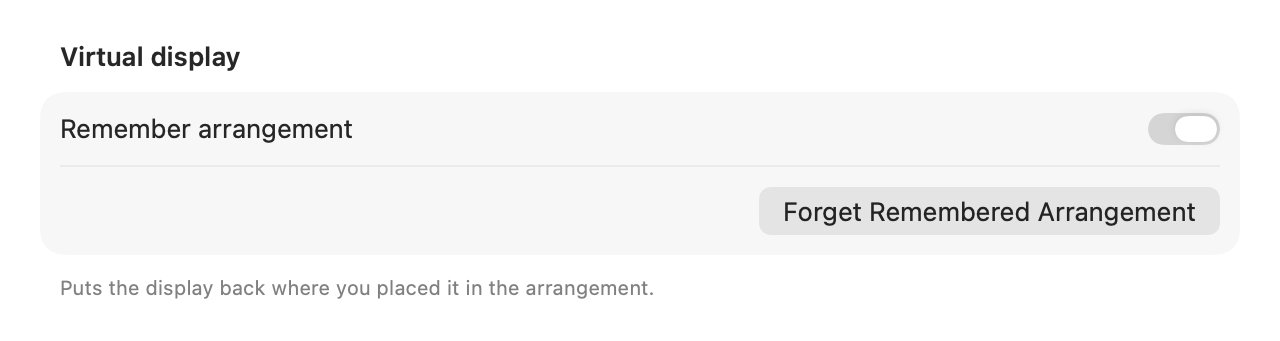
Second Display remembers the position of each display and puts it back the next time that Mac connects. To start over, click Forget Remembered Arrangement in Settings › Advanced; the display then starts where macOS puts it, and you arrange it again. If you’d rather macOS placed it every time, turn off Remember arrangement in the same place.